CTkMaker Hub
Drag-and-drop UI builder for CustomTkinter
Drag-and-drop UI builder for CustomTkinter
CTkMaker is a free, open-source drag-and-drop designer for CustomTkinter — design forms, wire variables, preview live, and export clean Python code. Share what you build through the community Hub.
No account, no payment, no telemetry — MIT-licensed.
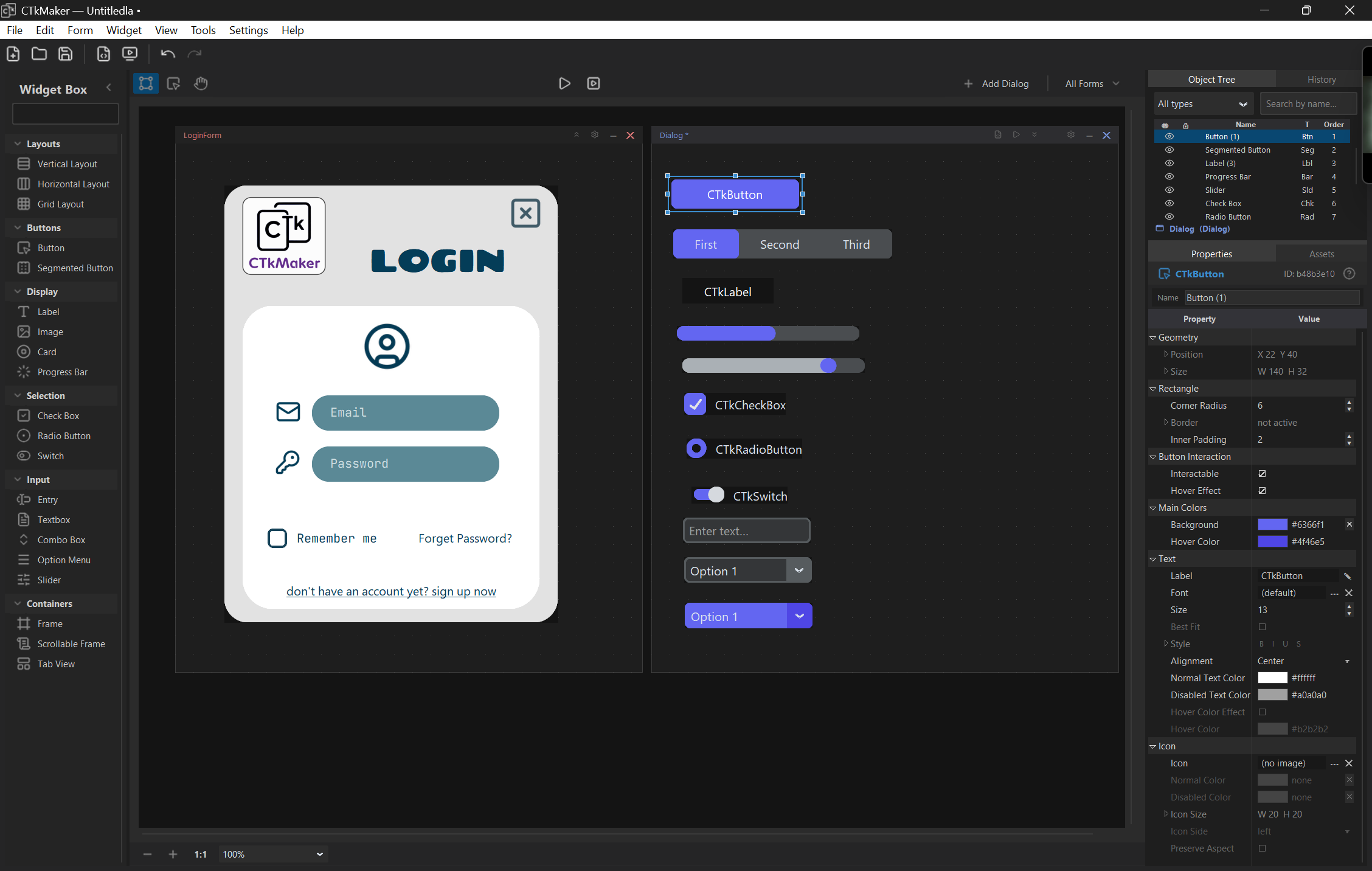
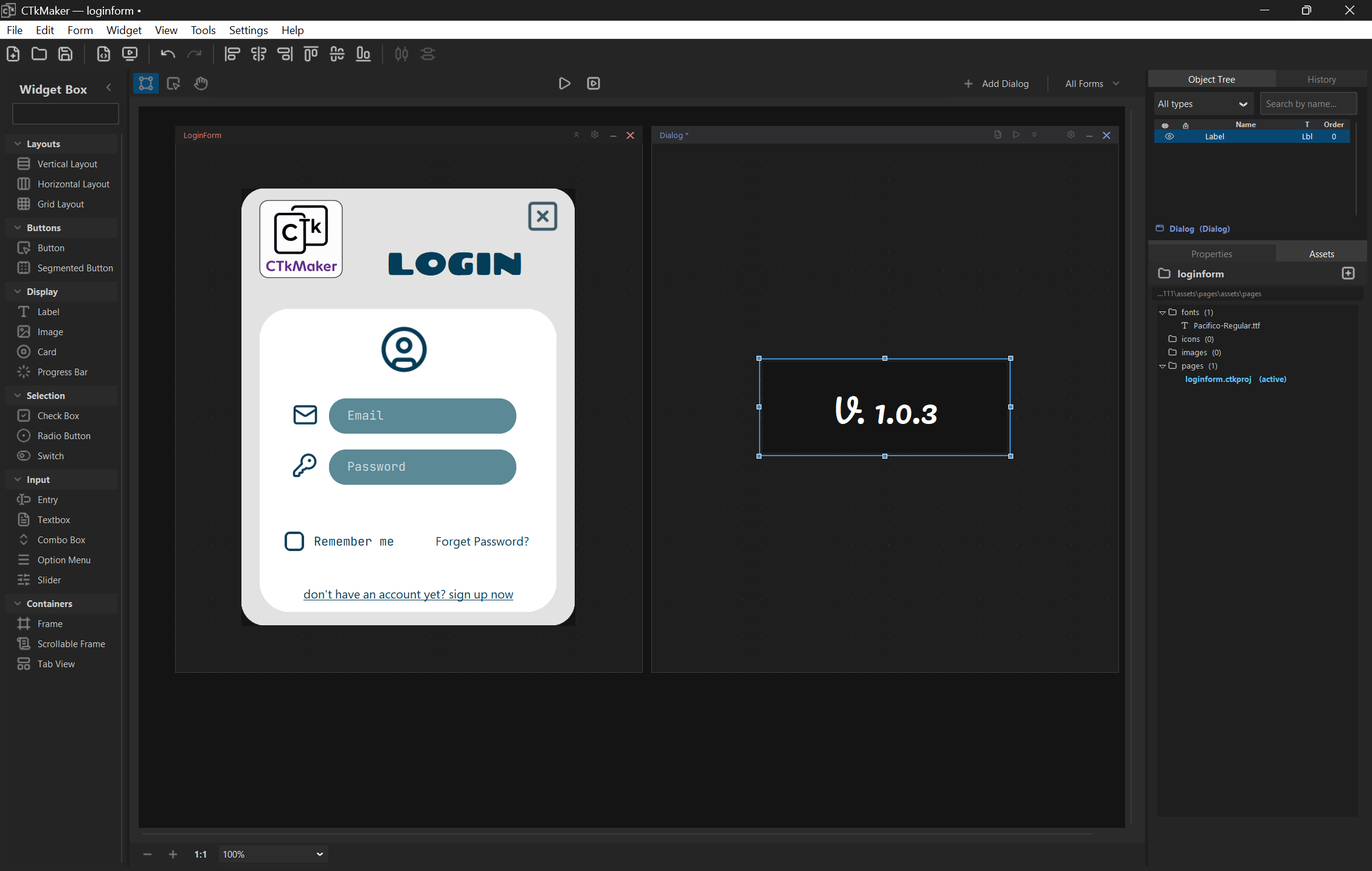
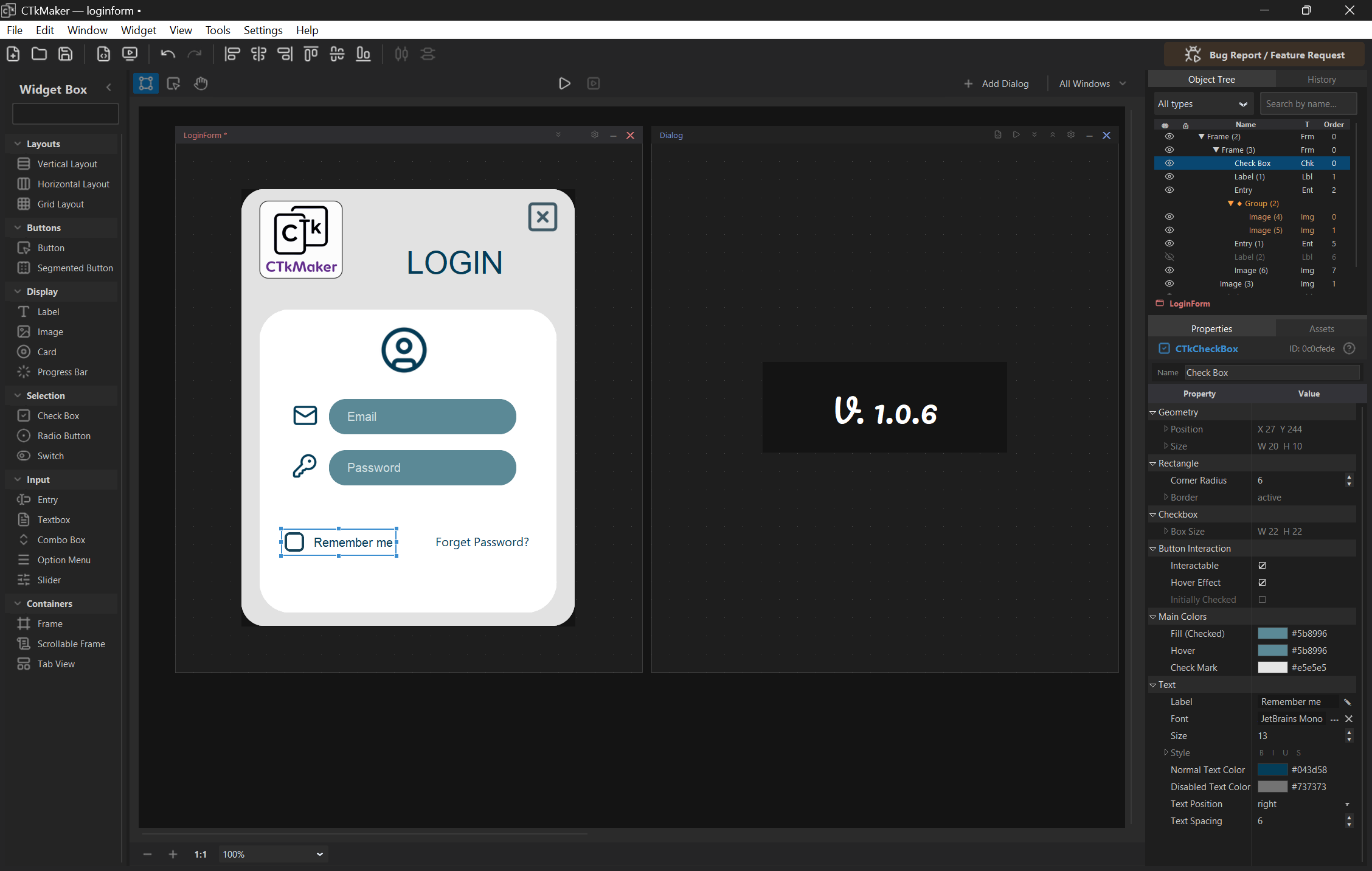
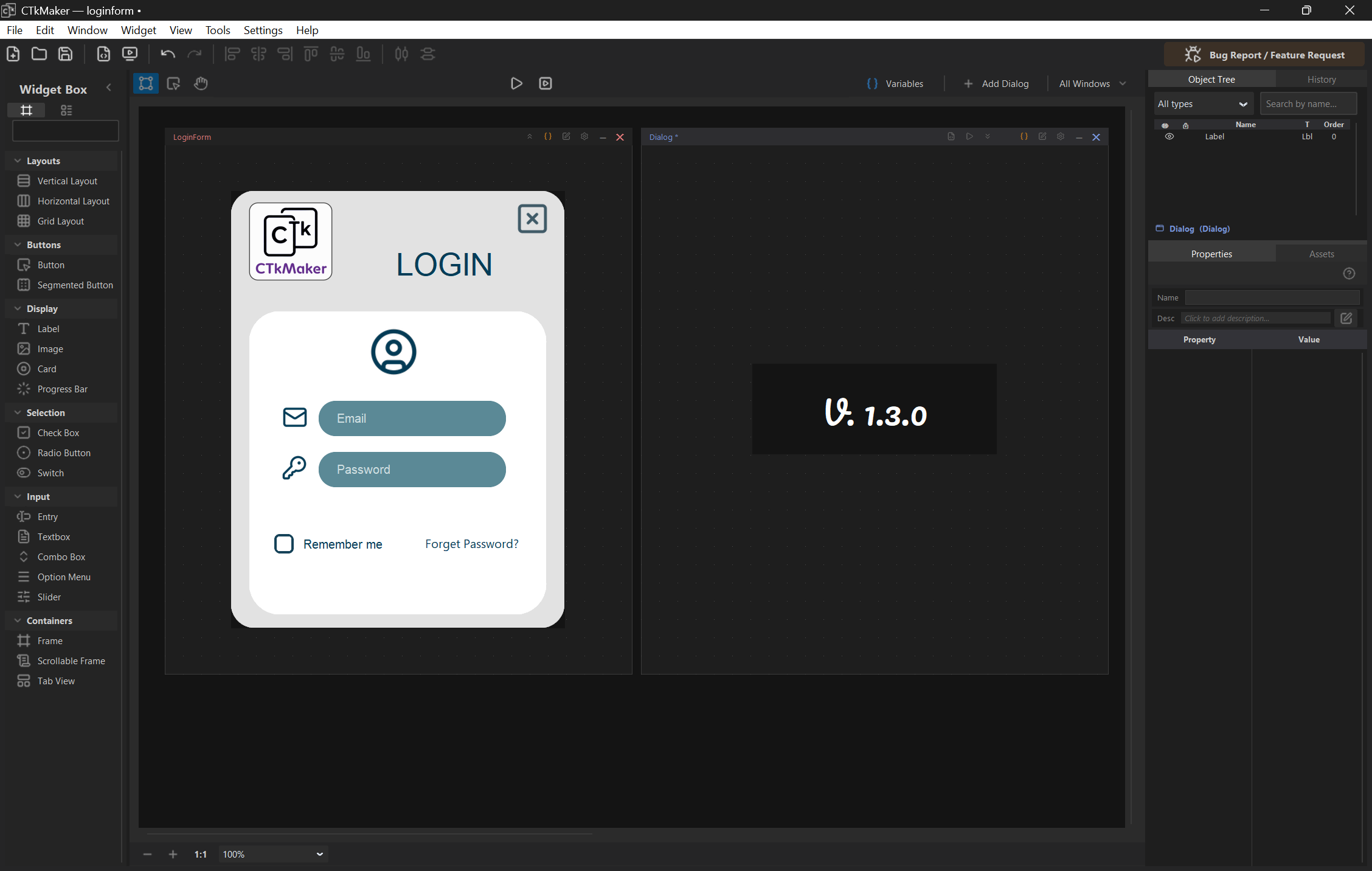
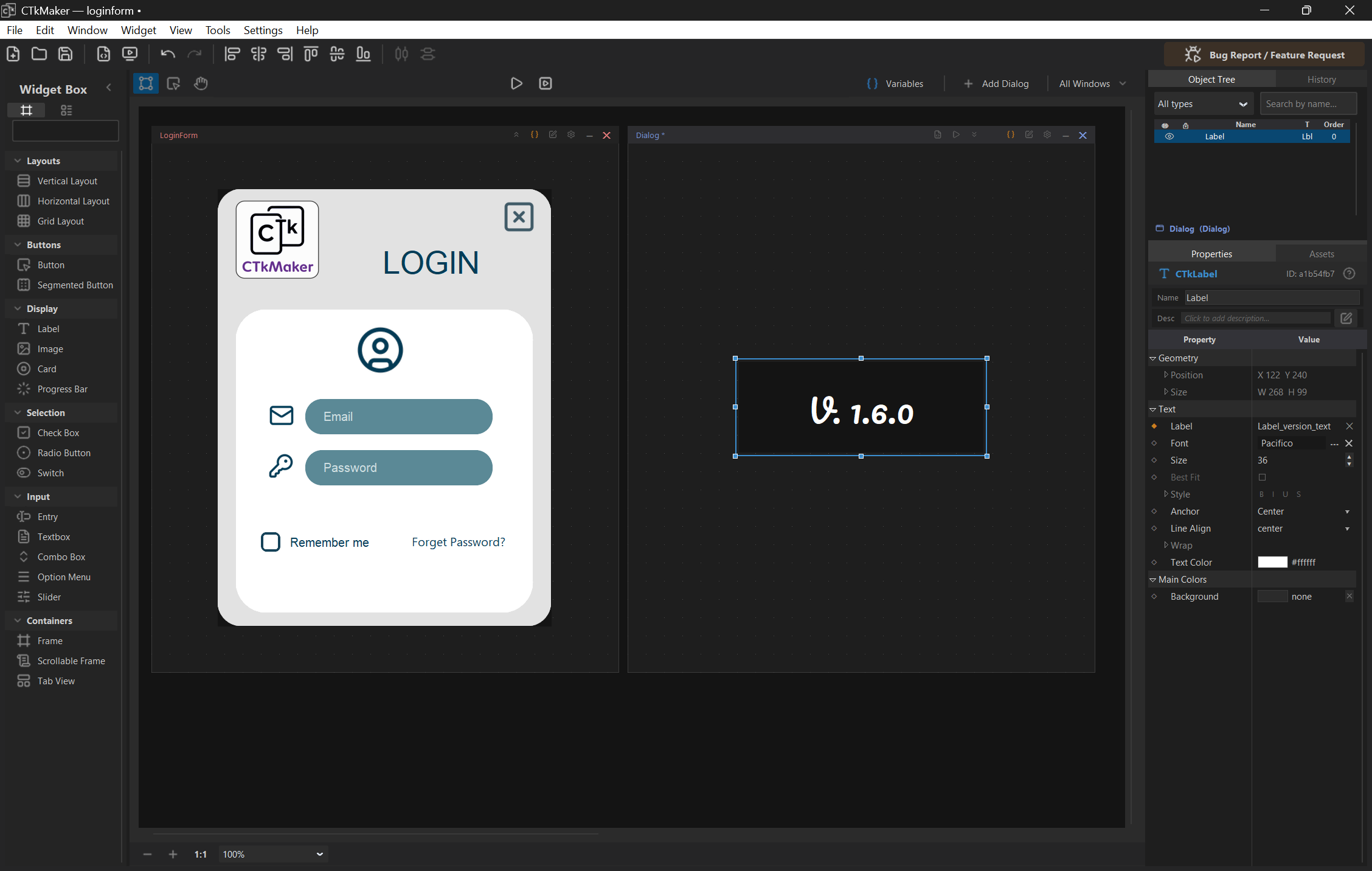
CTkMaker is in active beta. Bug reports and feedback from real users are what move it forward — your involvement matters.
A visual builder for Python developers using CustomTkinter. Skip the manual
grid() juggling — drag widgets onto the canvas, edit properties in
a familiar inspector, and let the builder generate the boilerplate.
Drag, drop, snap, and align widgets just like a desktop UI designer.
Global and local variables with cross-document copy and scoped exporter.
Run the form in a real CTk window without leaving the builder.
Generated code is readable — no obfuscated runtime, no hidden framework.
Save any selection as a .ctkcomp.zip with assets bundled in.
Open-source builder, MIT-licensed components, no account required.
Demo video coming soon — placeholder embed for now.
The Hub is a community library of components built in CTkMaker. Anyone can
browse and download .ctkcomp.zip files — buttons, forms, mini-apps,
starters — and drop them straight into their own project.
Within ~30 minutes the sync workflow picks it up and your card appears on the library. Full details: CONTRIBUTING.md.